Instant Resume
AI Resume Writer That Builds Your Resume With You
Need help writing your resume? Let's do it together.
Upload the resume you have or start from a few lines about your career. Instead of filling in forms, you talk through your experience with an assistant that asks one useful question at a time, writes each section from your answers, and shows the resume updating beside the conversation. Pay once, no account needed.
One-time payment from $4. No subscription, no account.
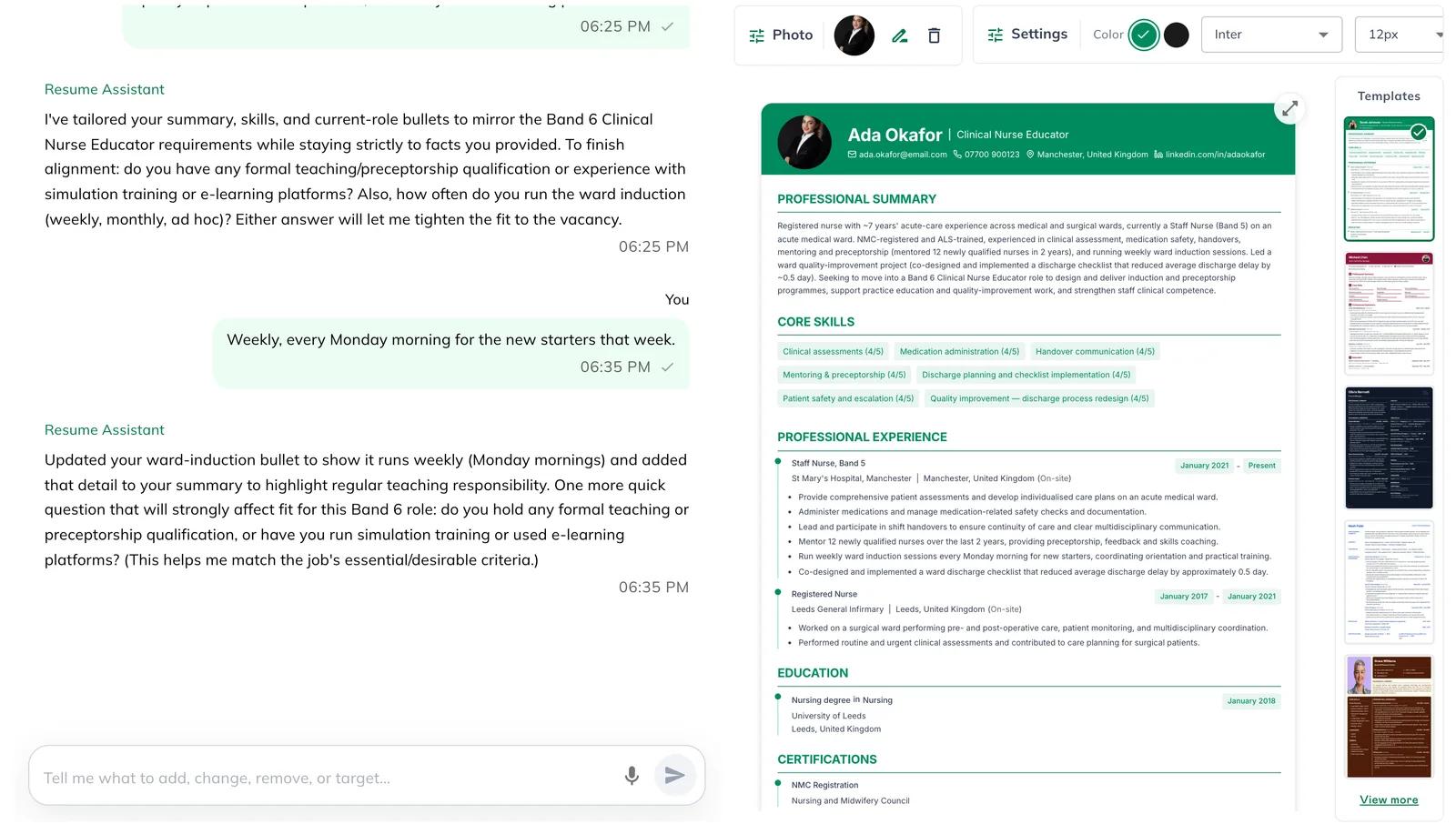
Instant Resume · conversation and live preview
How it works
From a few lines about your career to a finished resume
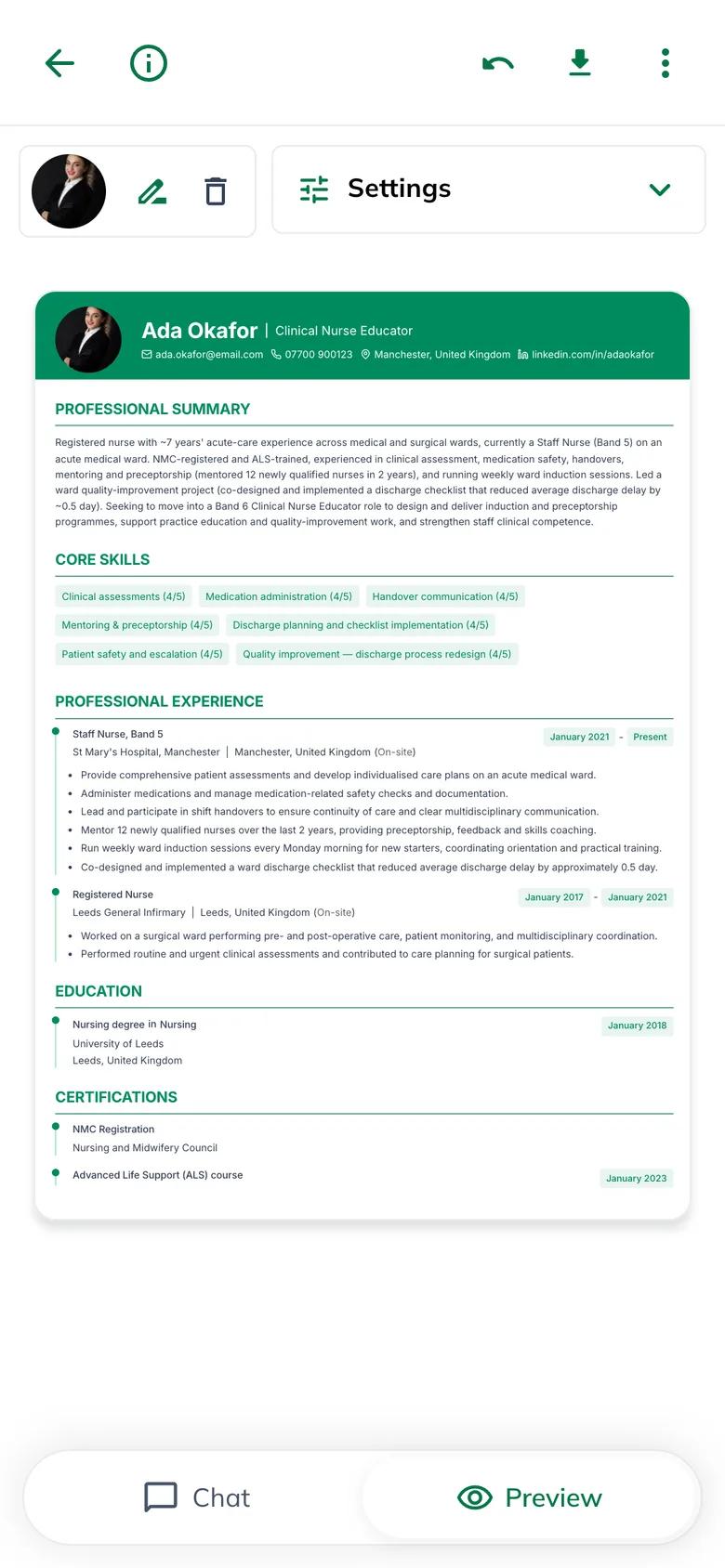
This is a real session, recorded as it happened. A nurse types her name, target role and a rough paragraph about her work. The assistant builds the first draft from that paragraph alone, then asks the one thing it needs next.
Tell it where you are going
Your name, the role you want and your career in your own words. Rough notes are fine. Paste a job description now or later.
Answer one question at a time
The assistant drafts every section it can, then asks for what is missing: a number, a scope, a result. Each answer lands on the resume with the change highlighted.
Pick a template and download
Switch between templates, colours and fonts without retyping, add a photo, then download as PDF, DOCX or PNG or publish a shareable link.
It interviews you before it writes
Don't know what to write? The AI asks.
Most people do not have a list of achievements ready. They have a job they did. The assistant reads what you gave it, finds the line that is missing a number or an outcome, and asks about that one thing. Your answer becomes the bullet. Nothing is written from the job title alone.
Two more conversations, word for word
Different professions, the same pattern: a question about scale or outcome, an answer in plain words, a resume line built only from that answer.
Already have a resume?
Upload it and improve it instead of starting over
Upload a PDF, DOCX, DOC, RTF or image. The assistant reads what you already wrote, keeps your employers, titles and dates exactly as they are, and starts the conversation from the weakest lines: the duty with no outcome, the bullet with no number, the gap the target role will notice.
Responsible for managing customer accounts and solving customer issues.
- How many accounts, and what kind of customers?
- What changed because of your work: retention, response time, satisfaction?
Managed a portfolio of 45 customer accounts and resolved escalated service issues, improving renewal rates across the assigned region.
The 45 accounts and the renewal outcome came from the user. The assistant supplied the structure and the verb, and would have left the line alone if the answers had not supported it.
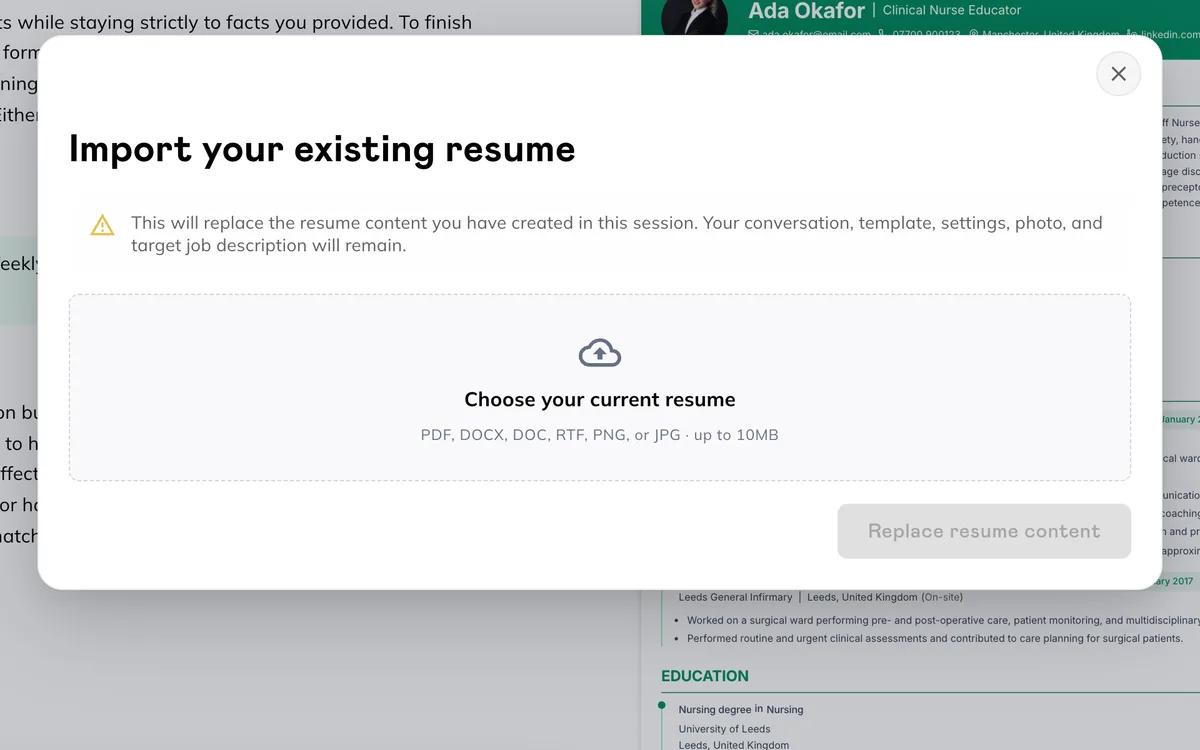
Prefer to keep it free? Import it into the free editor instead
Instant Resume · Import your existing resume
Tailor it to the job
Paste the job description and the resume reorders itself around it
Share the posting at the start or drop it into the chat later. The assistant rewrites the summary, reorders skills and sharpens the bullets that match the role. When the posting asks for something your resume does not show, it asks you rather than adding it.
What it said in this session
"I've tailored your summary, skills, and current-role bullets to mirror the Band 6 Clinical Nurse Educator requirements while staying strictly to facts you provided. To finish alignment: do you have any formal teaching qualification or experience with simulation training?"
Want a score before you pay? Run the free job match check on any resume.
Check my resume against a jobEverything in the session
A full resume workspace, not just a chat box
The conversation drives the content. Everything around it is the same editor the account product uses, so the result is a finished resume, not text to paste somewhere else.
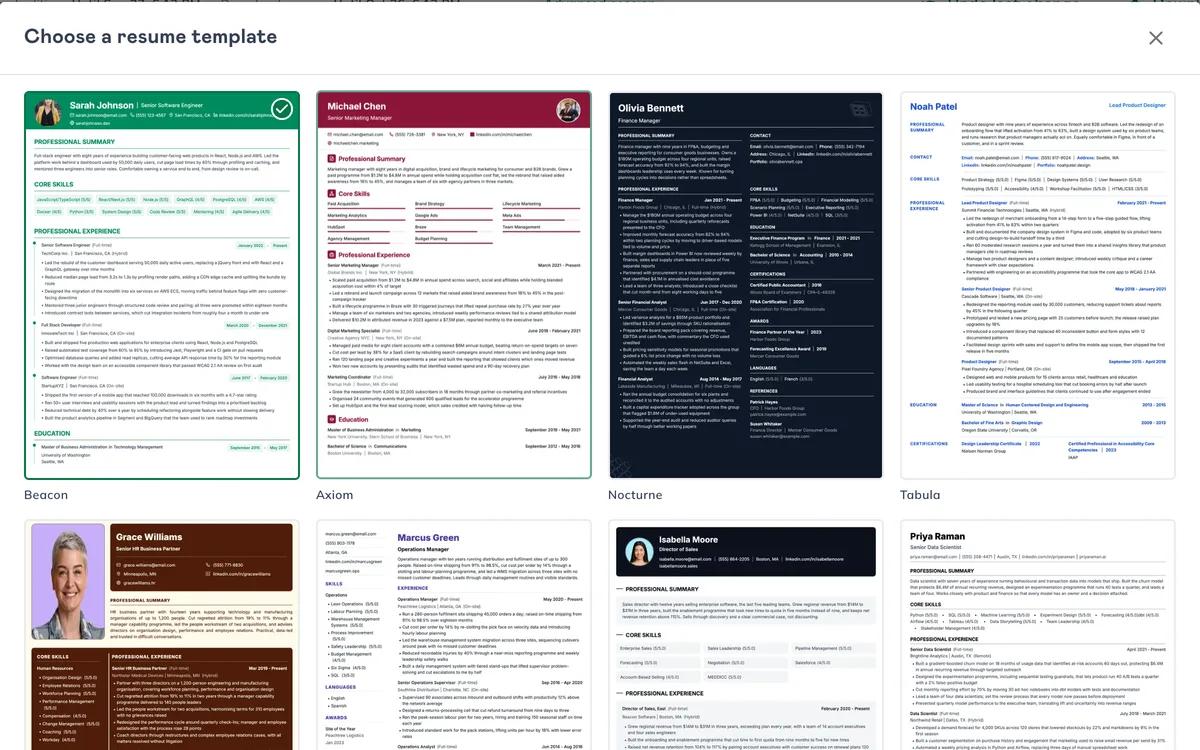
Every published template
Switch layouts from the rail or the picker. The content stays; only the design changes.
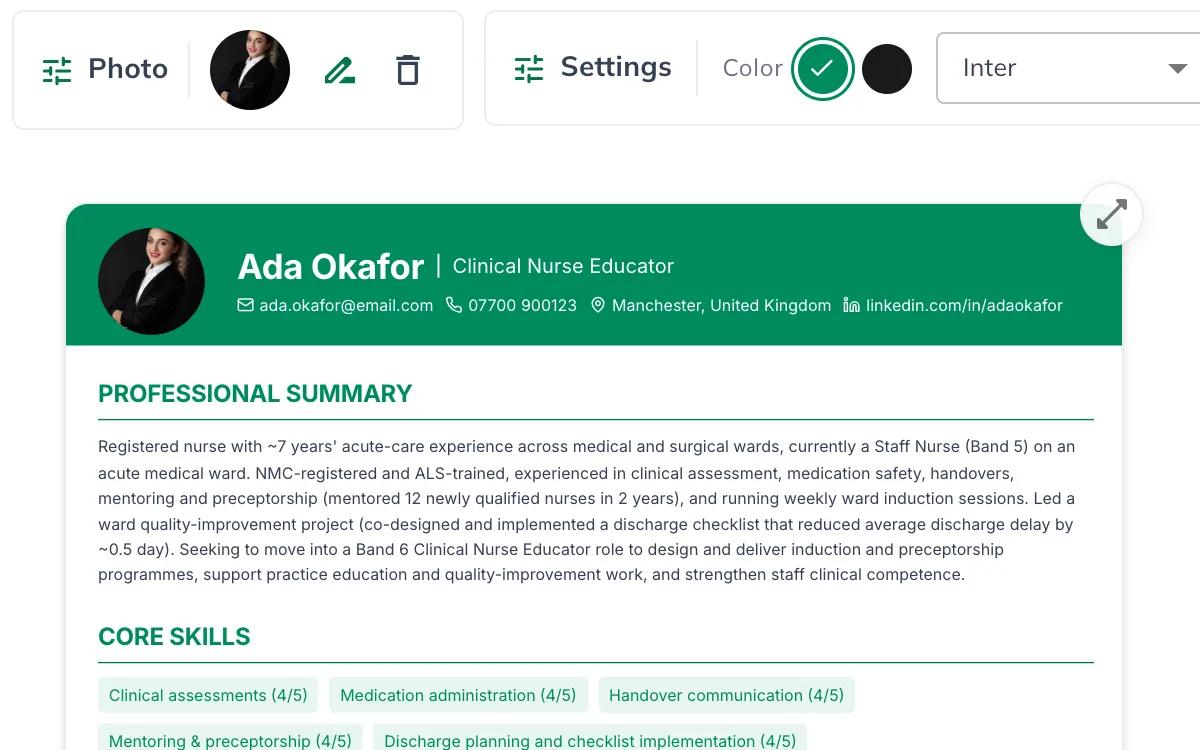
Photo, colours, fonts and sizes
Upload a photo for templates that use one, and set the colour, font and text size per template.
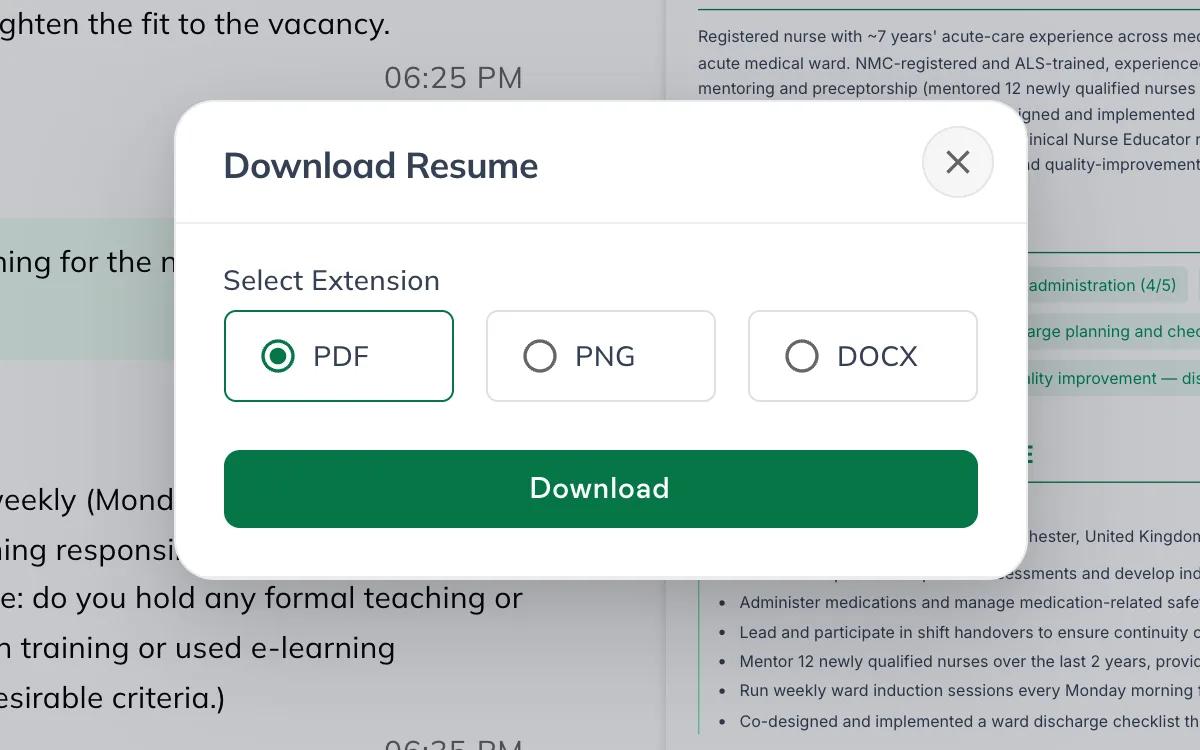
PDF, DOCX and PNG
Download in any format as often as you like during the access window.
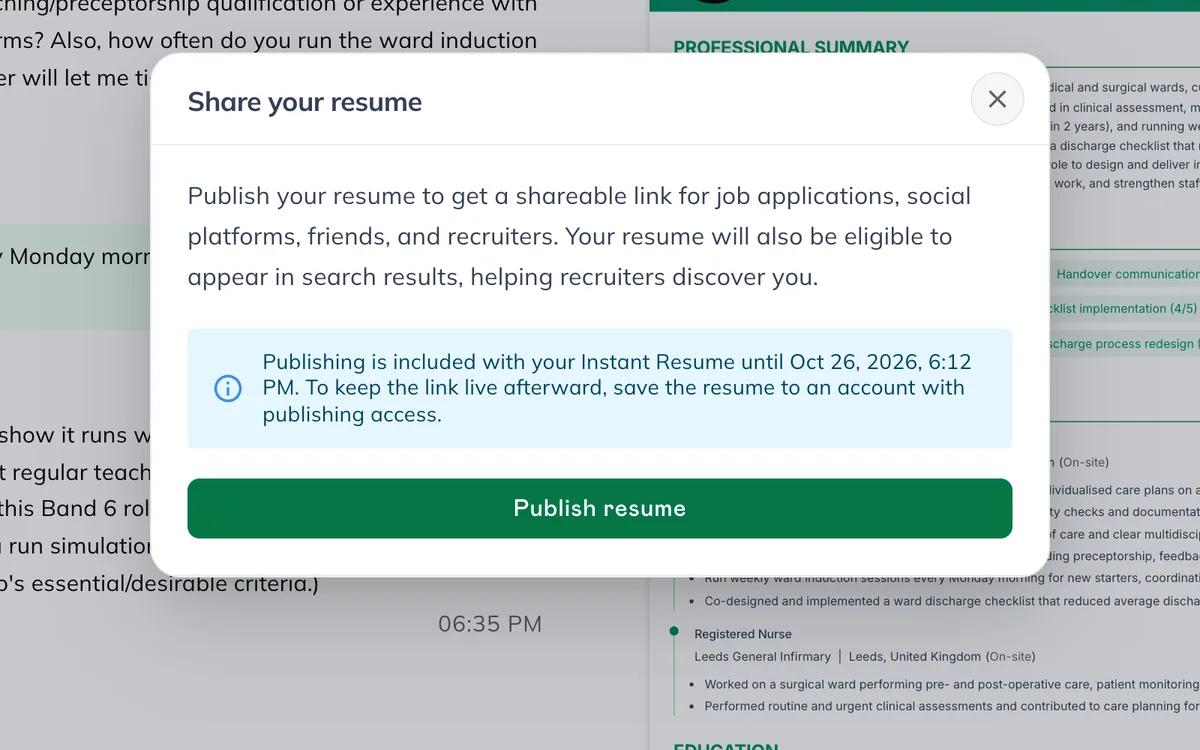
Publish a shareable link
Turn the resume into a public page you can send to recruiters or add to a profile.
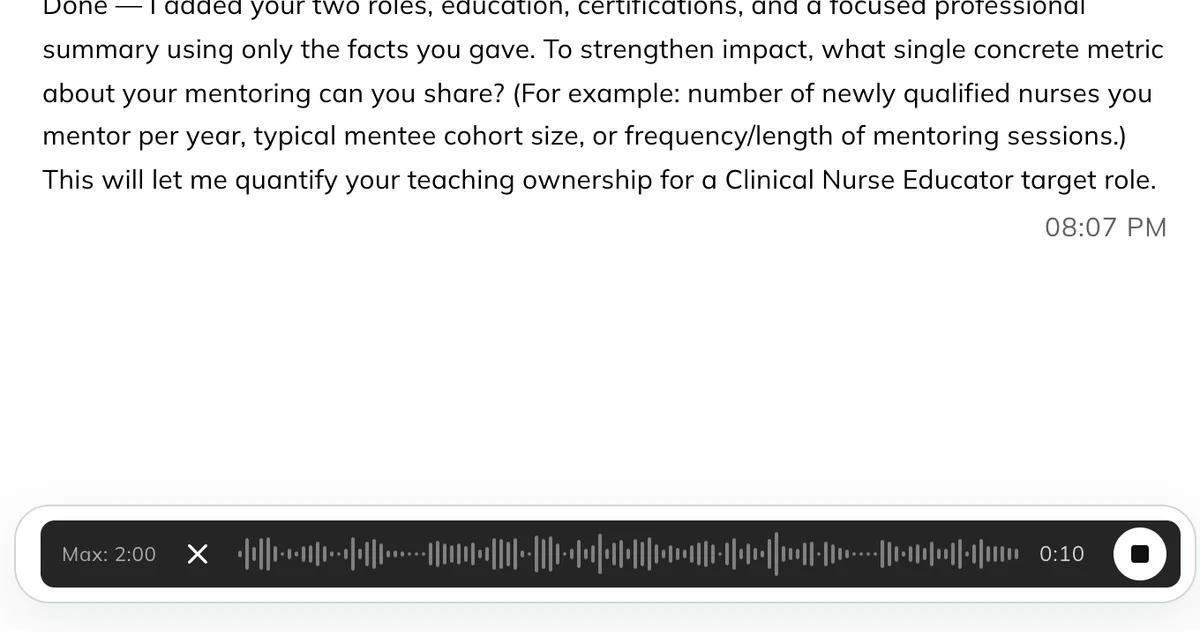
Talk instead of type
On the Advanced option, record a voice note and the assistant works from the transcript.
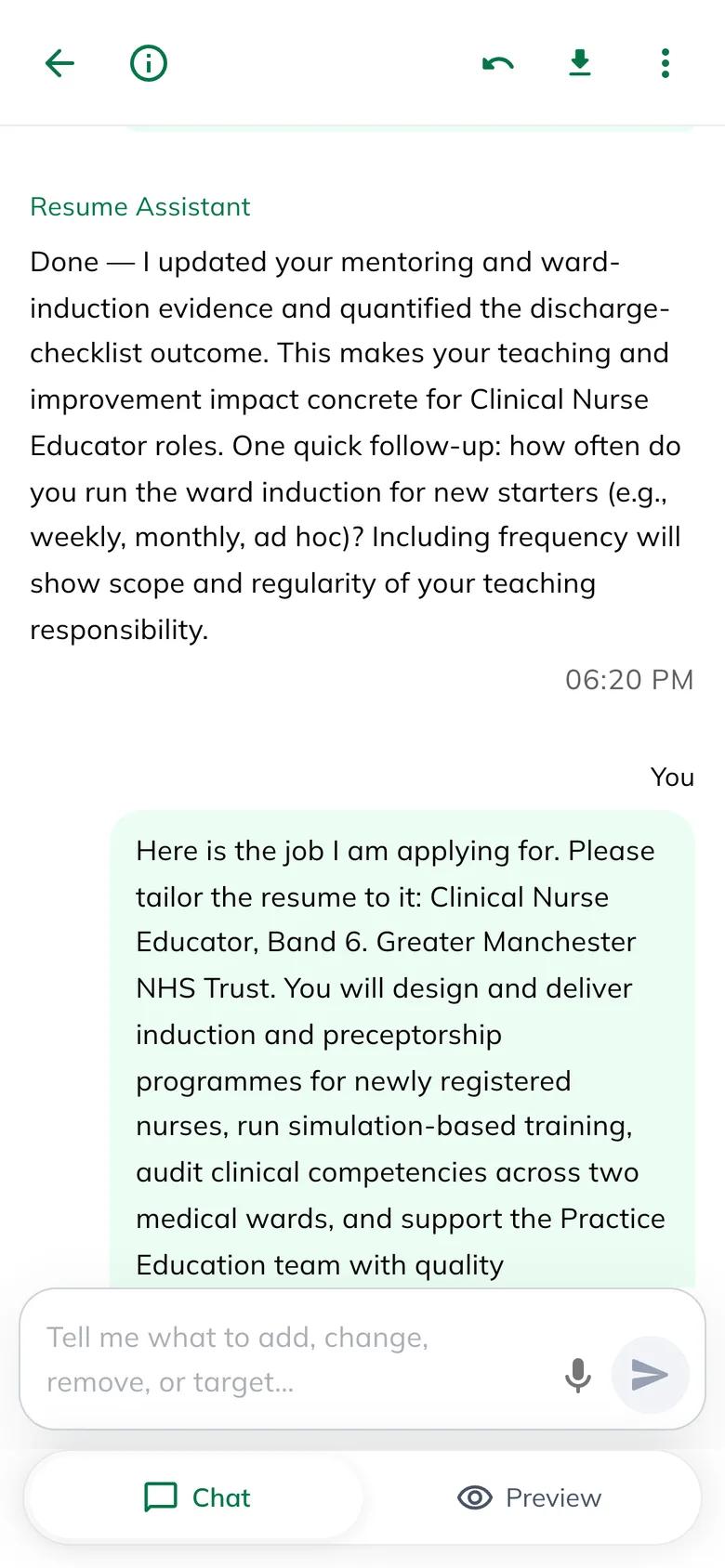
Works on your phone
Chat and preview as two tabs, so you can build the whole resume on a train.
Undo any change
Every assistant edit is highlighted on the page and can be undone with one click.
Keep it after the session
Save the resume to a free account at any point and keep editing it there.
What it will not do
The assistant writes from what you tell it
A resume you cannot defend in an interview is worse than a thin one. These rules apply to every message in the session.
No invented facts
It is built to use only the metrics, employers, titles, dates, tools, certifications and outcomes you supply, and to ask when a line needs one. Every change is highlighted so you can check it before you download.
No keyword stuffing
A skill from the job description is added only when your answers support it. Otherwise the gap stays visible so you can decide.
Every change is visible and reversible
Edited lines are highlighted on the preview as they land, and the last change can always be undone.
Your details stay yours
The session is tied to your email, not an account. When the access window ends there is a short grace period in case you still need the resume, after which unsaved content is deleted or de-identified under our privacy policy.
Read the retention policyWhy not just use a chatbot?
An AI resume writer versus a general chatbot
A general chatbot can rewrite text you paste in. It hands back prose to format yourself, keeps no view of the resume as it changes, and has no rule about where the facts come from unless you write one. The difference is the workflow, not the model.
General chatbot
Paste text, get text back
No rule about where the facts come from unless you write one
Copy, paste and format the result yourself, with no highlights or undo
Repeat the whole thing for every job
Instant Resume
Asks about your experience, then writes from the answers
Leaves a gap visible when your answers do not support a claim
Edits the resume directly, in a template, with highlights and undo
Paste a job description and it re-targets what is already there
Prefer a person?
Instant Resume is an AI option, not a human writing service. MyResumeTool is building a marketplace of vetted resume writers who work in the same editor, and this page will link to it when it opens.
Pricing
Pay once, know exactly what is included
Both options include the full conversation, every template, all download formats and a shareable link. Advanced uses a stronger model and adds voice notes, which suits complex careers and senior roles.
Standard
Ideal for a clear, professional resume and straightforward tailoring.
$4
Advanced
Better for complex careers, senior roles, and detailed job targeting.
Voice messages included
$10
Chat and edit for 48 hours
Download and share for 30 days
Choose from every published resume template
Download in PDF, DOCX, and PNG
Publish a shareable resume link
Save to a free account to keep it
Prefer to build it yourself for free? The account editor has the same templates and checks. Create a resume for free
Who it is for
Useful when you know what you did but not how to say it
Writing a resume for the first time
Graduates, apprentices and career starters who have projects and part-time work but no resume vocabulary.
Updating an old one
Upload the version from your last search and talk through everything that has happened since.
Changing direction
The assistant asks the questions that surface transferable evidence for the new role, then targets the posting.
Needing one today
No sign-up, one payment, a finished PDF in a single sitting.
Questions before you begin
Frequently asked questions
A chatbot gives you text to paste into a document. Instant Resume works inside the resume: it can see every section, asks for the facts it is missing, is built to write only from your answers, highlights each change, and gives you a formatted, downloadable file. Tailoring to the next job is a paste, not a new conversation.
It is designed not to. The assistant is instructed to use only the metrics, employers, titles, dates, tools, certifications, degrees and outcomes you supply, and to ask when a line needs one. In the recorded session on this page it asked for the number of nurses mentored rather than guessing. Like any AI it can still make a mistake, so every change is highlighted for you to review before you download.
No. You pay once with an email address and get a private link to your session. If you want to keep the resume beyond the access window, you can save it to a free account from inside the session.
Both. Upload a PDF, DOCX, DOC, RTF, PNG or JPG and the assistant extracts it into the template and starts from what you have. Or type a few lines about your career and let it build the first draft.
Yes. Paste the job description at the start or in the chat at any time. The summary, skills and bullets are reworked around the role using only what your resume already supports, and the assistant asks about requirements it cannot see evidence for.
The chat and editing window and the download window are shown on the start page before you pay and in the session toolbar afterwards. Downloads and the published link stay available for the full access window.
Every published template, with its colour, font and size options, and downloads in PDF, DOCX and PNG. Both options include all of them.
No. It is an AI option that asks about your experience, turns your answers into a clear resume and shows the result as you go. A human writer brings judgement about your field and the market. MyResumeTool is building a marketplace of vetted writers who work in the same editor.
Start the conversation. The resume writes itself from your answers.
One payment, no account, a finished resume you can defend in the interview.